



I tried but it still doesnt work stably
Tried which in particular?
hive-replace -y - -stable
R mode?
A mode?
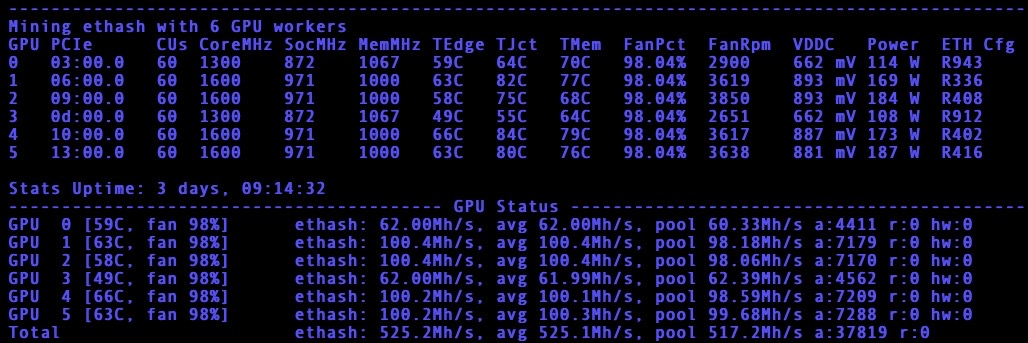
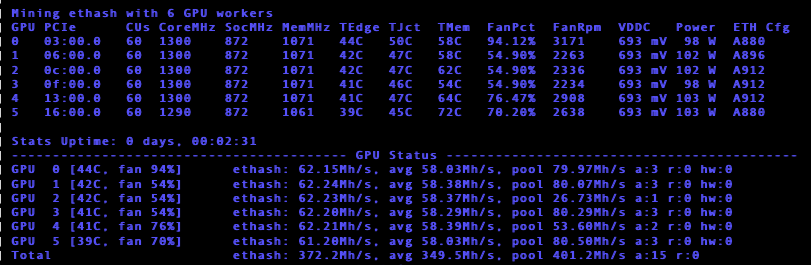
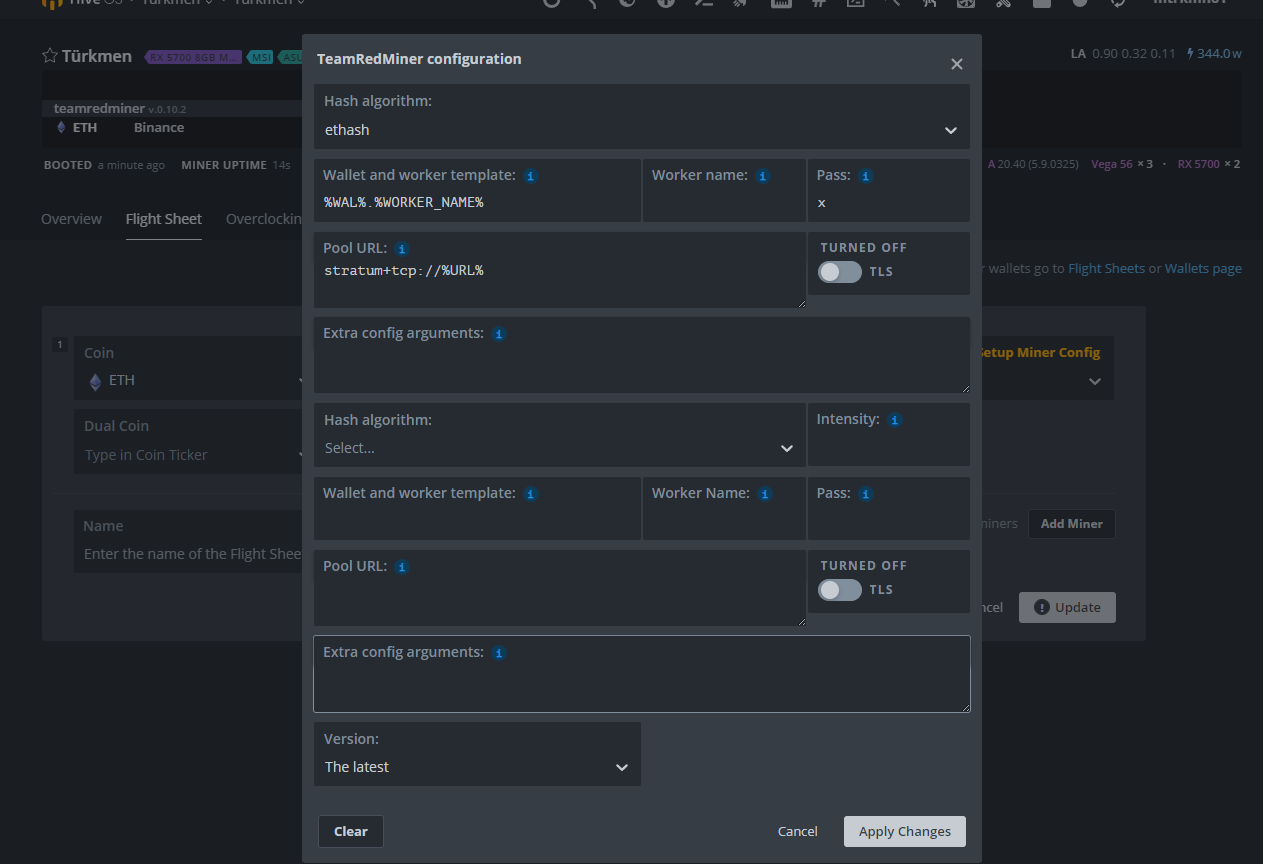
Check out the lower left corner of this picture, drivers, hiveos kernel, etc.
Your baseline install is with software which is over a year old and will not support TRM latest.
I dont know what mod it is. yes my system is more than 2 years old
What do I need to do to run it stably?
Looks like you are on SSD, nice.
Get into a hiveshell or shellinabox or ssh interface:
hive-replace -y --stable
It will reboot. Then update to latest version of HiveOS like you have been with the arrows on tool bar or the selfupgrade process.
PS: This will update drivers during the new kernel process.
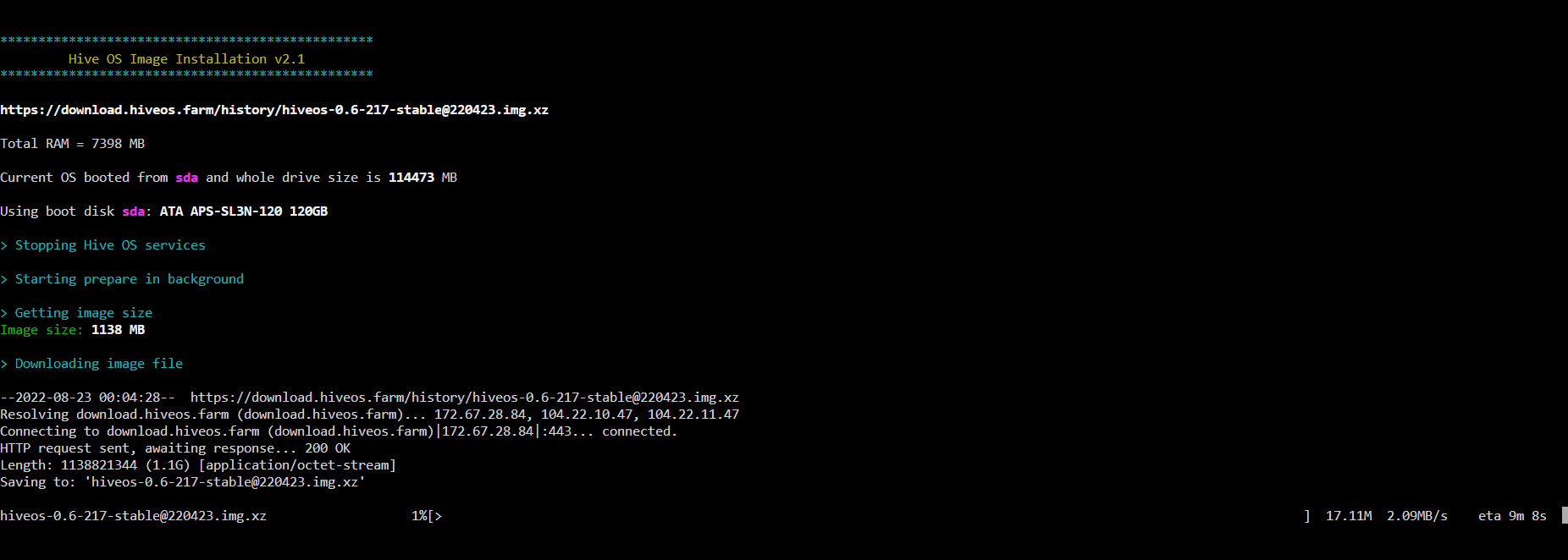
That’s the one.
Grab a beverage and let it do it’s work 
fwiw: The kernel will be new, but the included HiveOS version will be 4-22 vintage, so you’ll update miner versions too.
I got my coffee and im waiting for it to finish. I will post the result again
Personally, when it comes back after reboot I:
- get back into a shell and run each of the following
- disk-expand (opens up the storage for logs, miners, etc.)
- hive-passwd conf (sync’s to the password in the hiveos.farm worker settings tab and disables VNC)
- selfupgrade (updates the miner version)
- logs-on (enabled persistent logs)
- sreboot (reboots again)
i will try after the download is complete. Thank you so much for your time and advice.
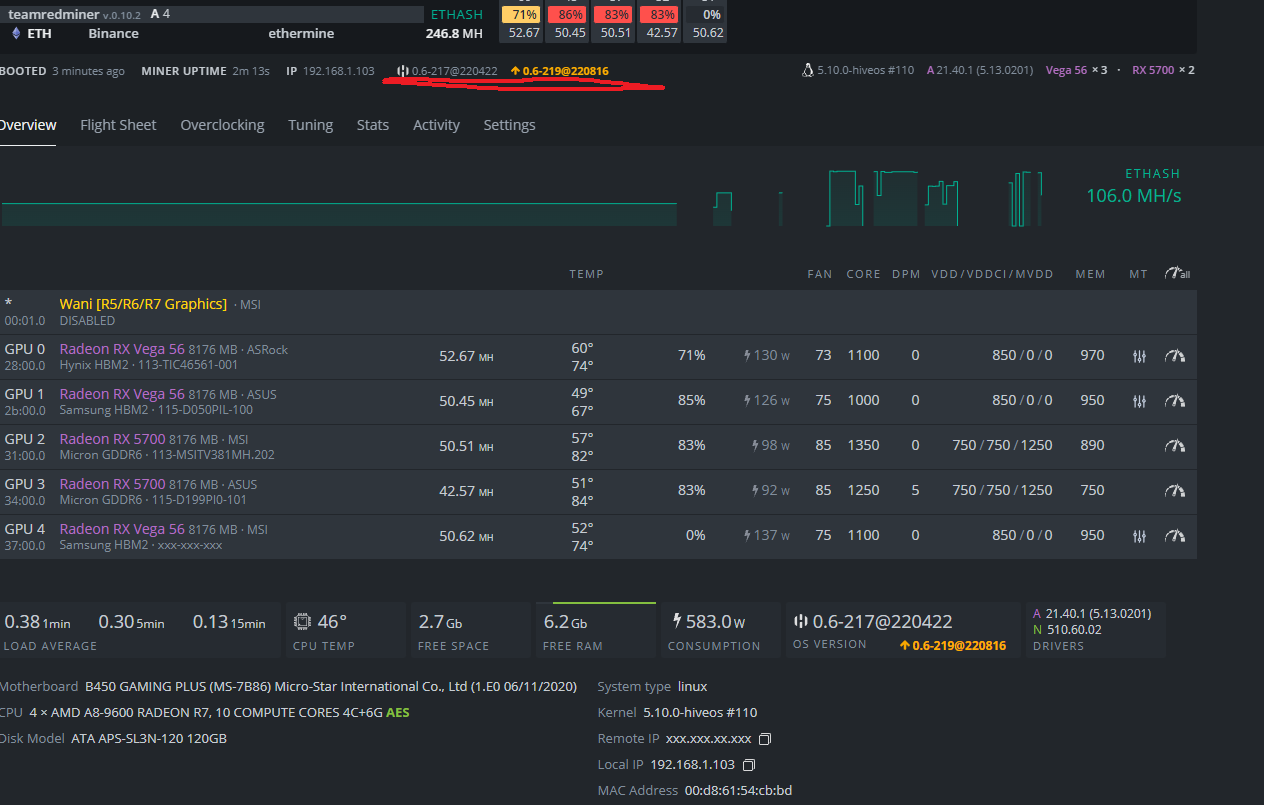
I would just get on a baseline of latest for overclock/voltage tweaking, etc.
Along with the other items which are going to require a reboot anyway.
so i can update, right?
Yes
- get back into a shell and run each of the following
- disk-expand (opens up the storage for logs, miners, etc.)
- hive-passwd conf (sync’s to the password in the hiveos.farm worker settings tab and disables VNC)
**** selfupgrade (updates the miner version)*** - logs-on (enabled persistent logs)
- sreboot (reboots again)
Update by the menu bar, or shell, your choice
1 Like
While it is working, head on over to Team Red Miner discord or GitHub to review the R mode settings details.
You may find material gains in hash rate or power efficiency, or both
Be prepared for some tweaking, but at least you are on a current baseline so most advice will apply.
Happy mining!
This topic was automatically closed 416 days after the last reply. New replies are no longer allowed.