More
referral
Increase your income with Hive. Invite your friends and earn real cryptocurrency!

KASPA and Nvidia

I’m not sure why your HiveOs is doing that but my install indeed changes the memory speed.

Mining RavenCoin using T-Rex, nvidia-info shows me memory running at 6800.
When I change flightsheet to mine KAS using bzminer, nvidia-info shows memory running at 7205.
If I switched back from bzminer to t-rex, the memory resets again to the correct 6800

I have an OC profile for each algo with its own OC settings. If you don’t, settings will be saved as the default profile and none of the OC settings will change when you select a different mine or algo.

I was running the memory at 870 (KAS with bzminer) but changed it down to 810 to test your issue but worked ok for me.
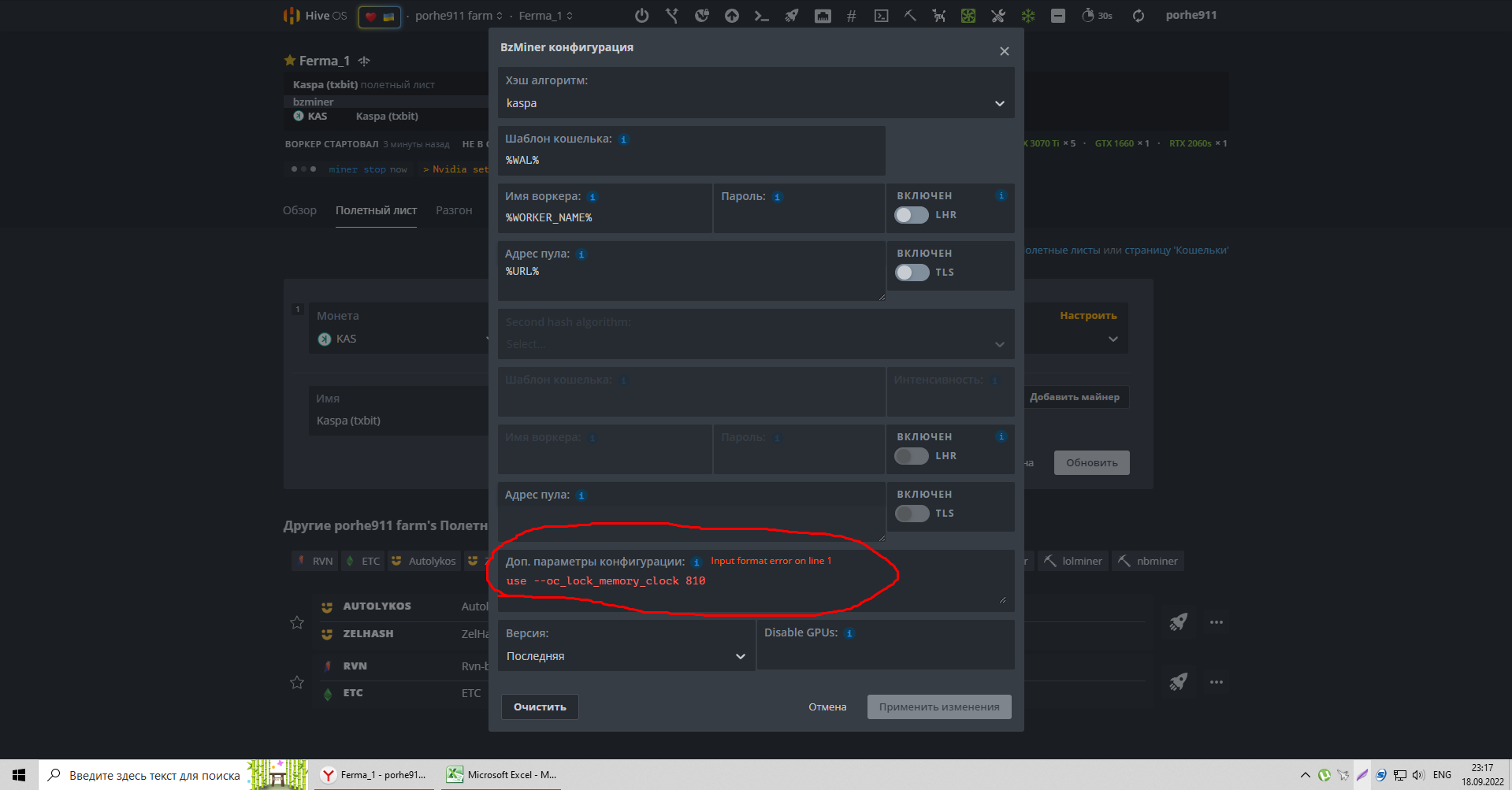
bro, please tell me where the command should fix the frequency? on the cards themselves, I tried to put a fixed frequency of 810, it does not work…

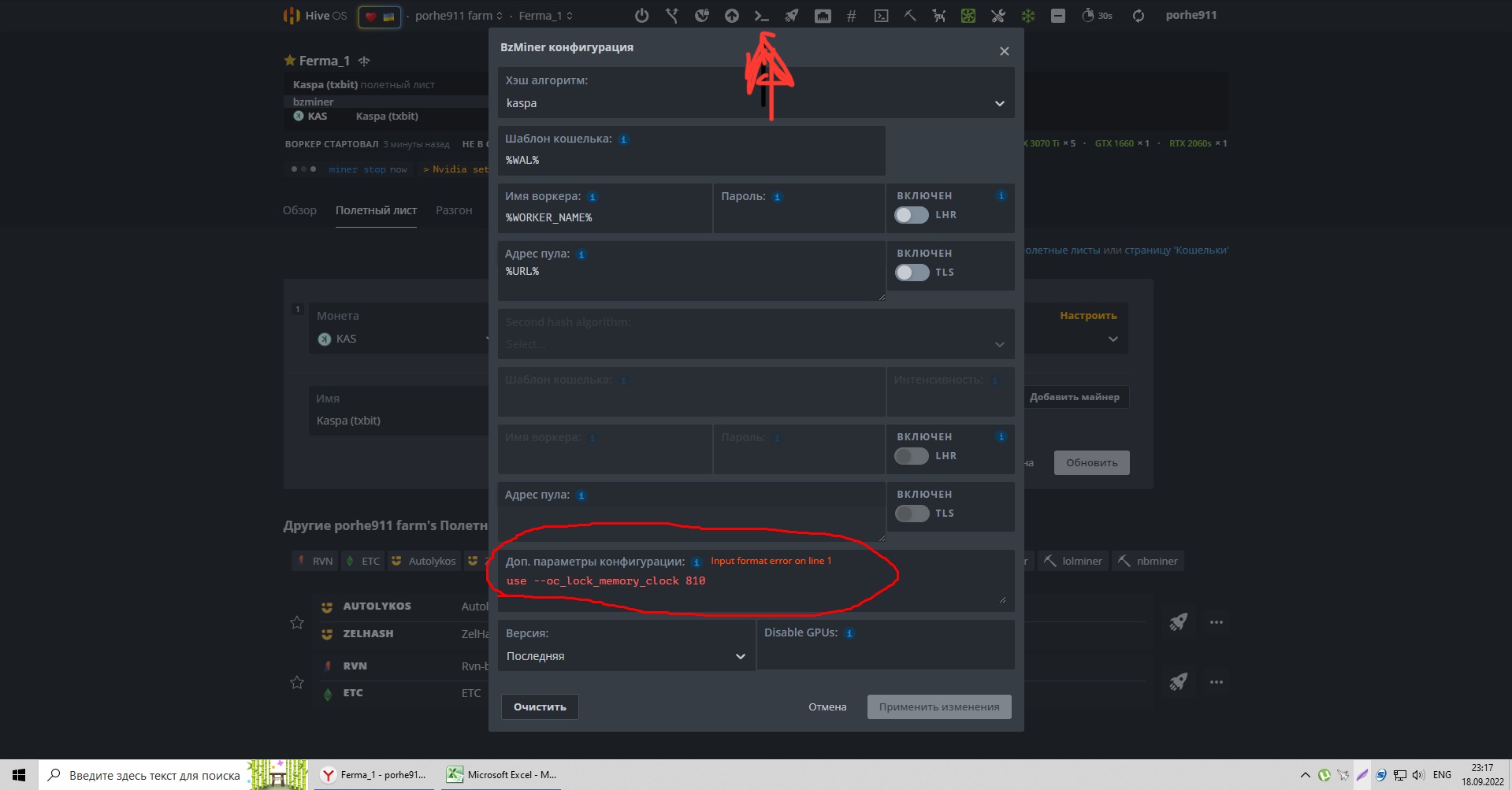
Click on this button on the top of your screen after the miner is started and fill in the command

error(

sorry it is just (without the use)

--oc_lock_memory_clock 810

you can separate the values with a comma, if you want to adjust each card (either 0 to not lock the memory or 810)

yes, the team helped! thank you very much!

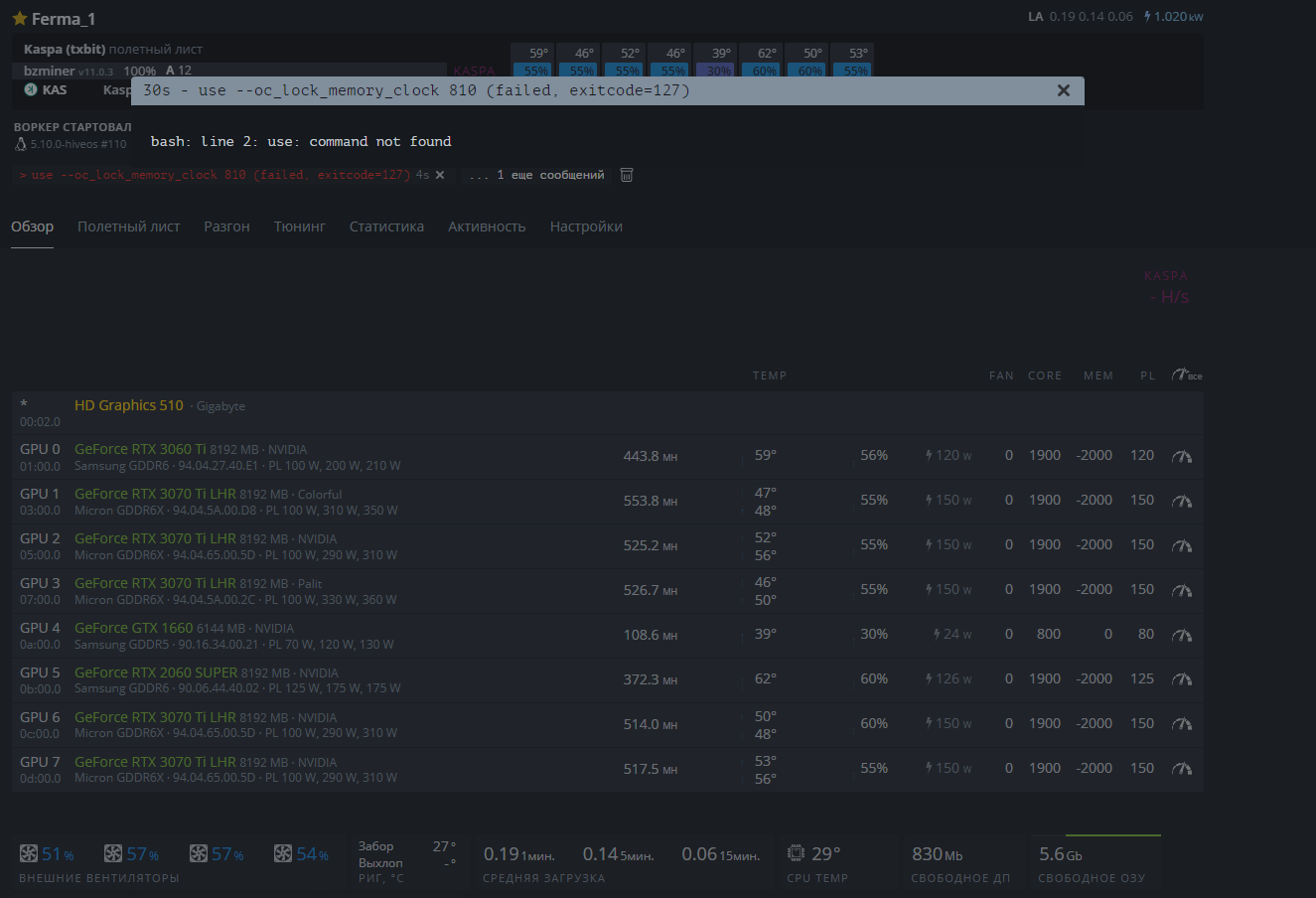
hi i have try to insert the comment and this is the error code i get

–oc_lock_memory_clock 810 (failed, exitcode=127)

Anyone may help for per GPU command ?

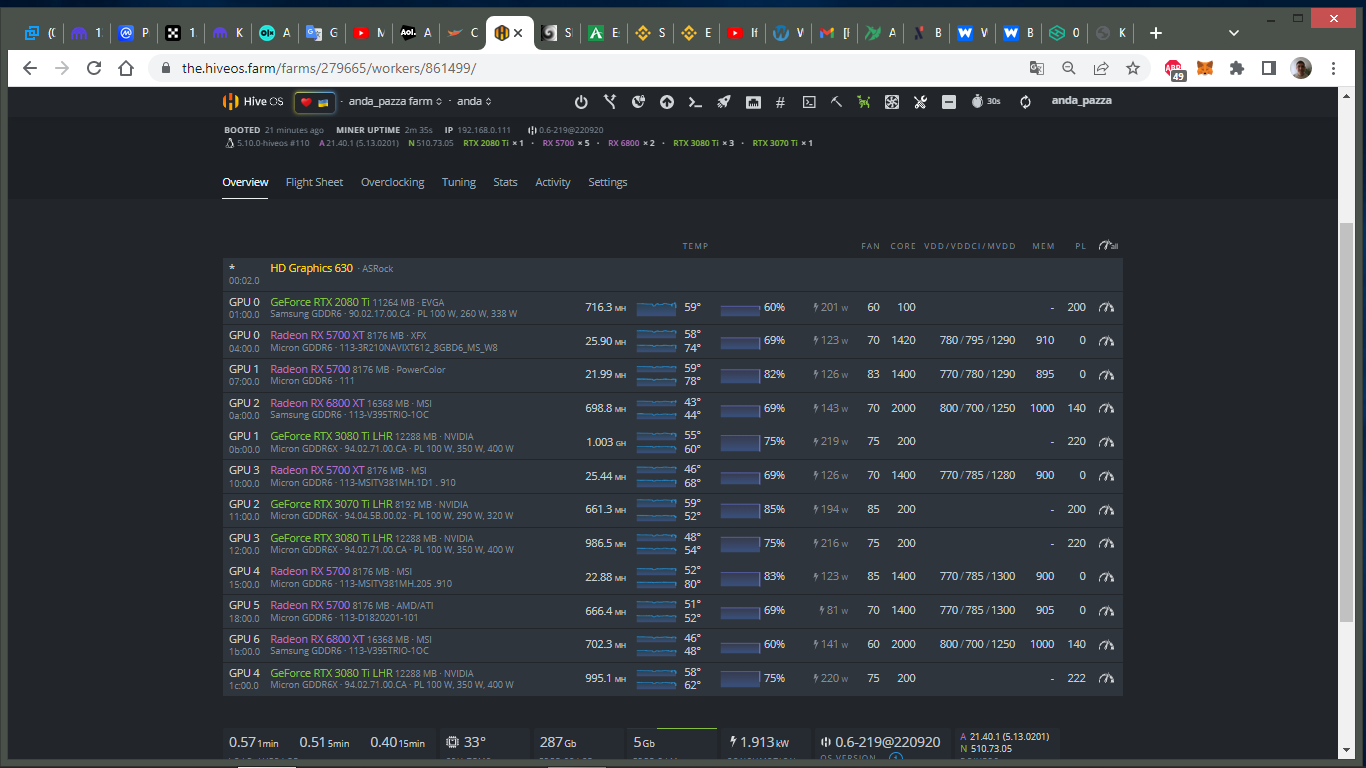
I’d like to try this 810 MCLOCK lock for my 3070 and do not interfer on others (see screenshot)

You can’t lock the other cards mem anyway so it will just fail and move on

1 Like

Ok for this point

As for the 3070, does the command line way is the only way to lock memory at 810 ?
Do not know if I am doing proprely but is this good ?


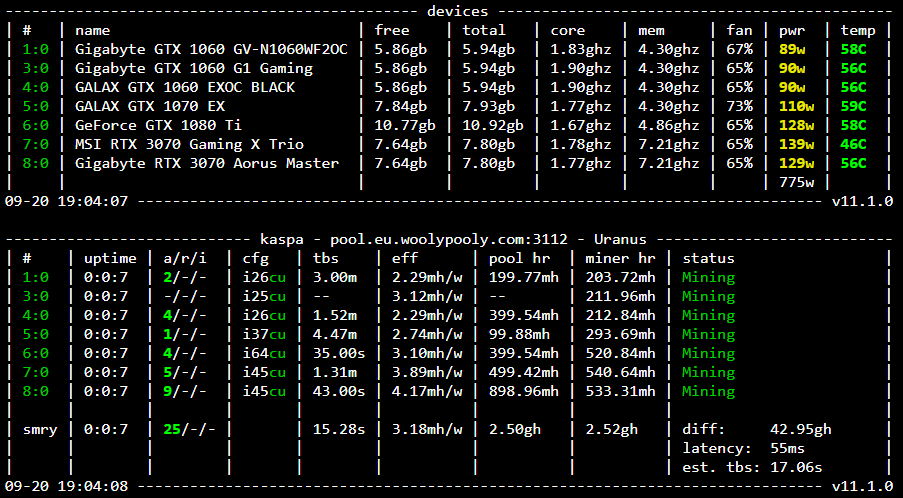
Your memory aren’t locked at 810, they’re at 7200.

You can lock via nvidia-smi in the shell or in the bzminer config with “oc_lock_memory_clock”: “[810]”

Roger, but sorry your command leads me to this

image

Show your flight sheet

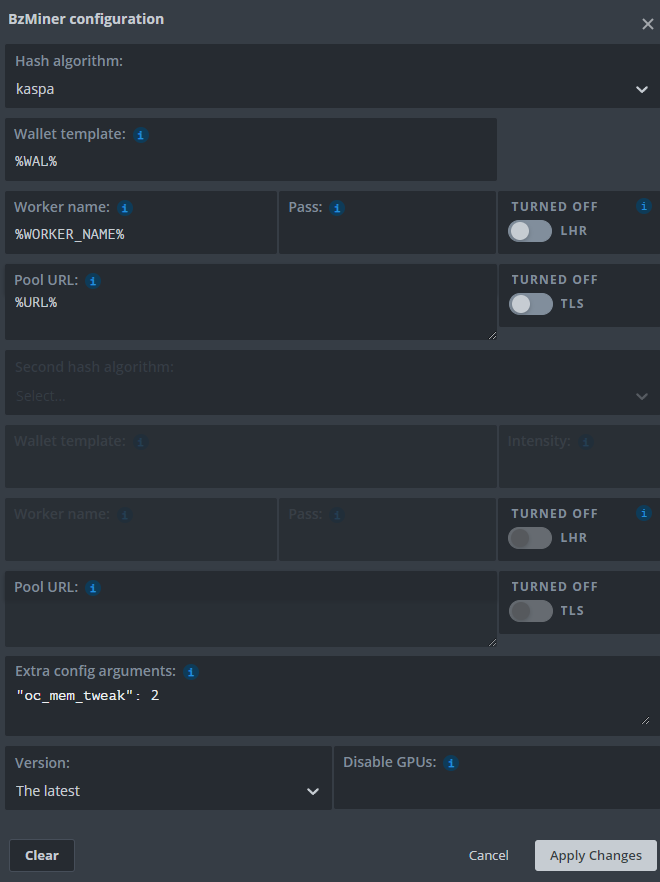
Before adding the line

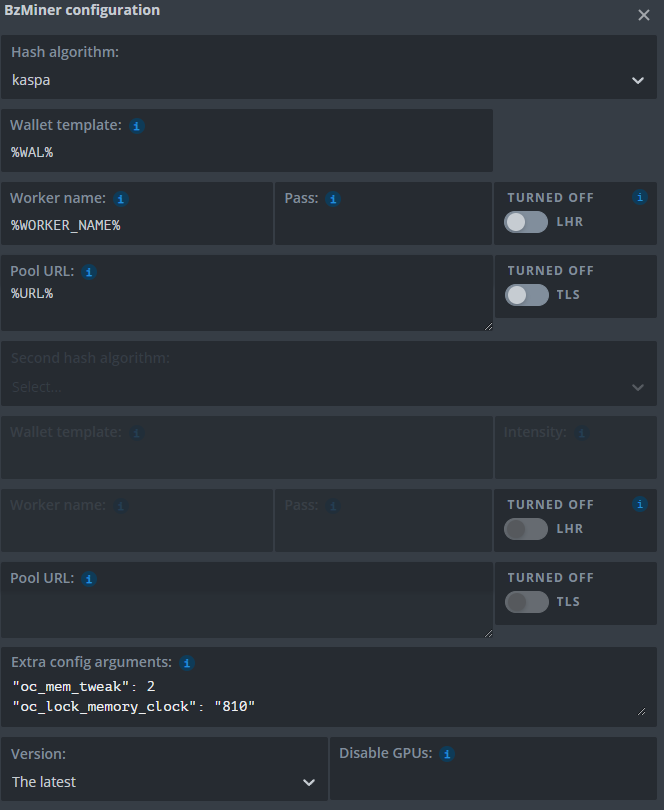
After adding the line like you typed
(untouched)

(removing [] stopped the error)


But tis last one set my mem. clock to 7200 MHz …

Try it without the mem tweak in there

“oc_lock_memory_clock”: [810]

image
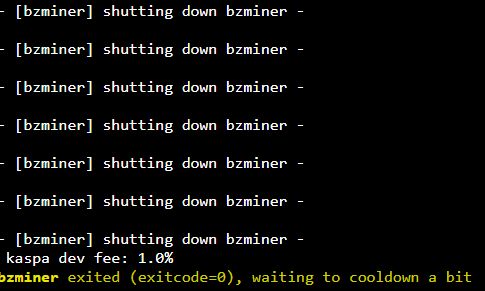
Crash

image
No crash, memory @ 6.8 Ghz

image
Crash

try
“oc_lock_memory_clock”: “[0,0,0,0,0,810,810]”

Think that should work. You need a 0 for those cards that you don’t want at 810. I tried it without the square brackets nor quotes around the values and recall it worked on mine.


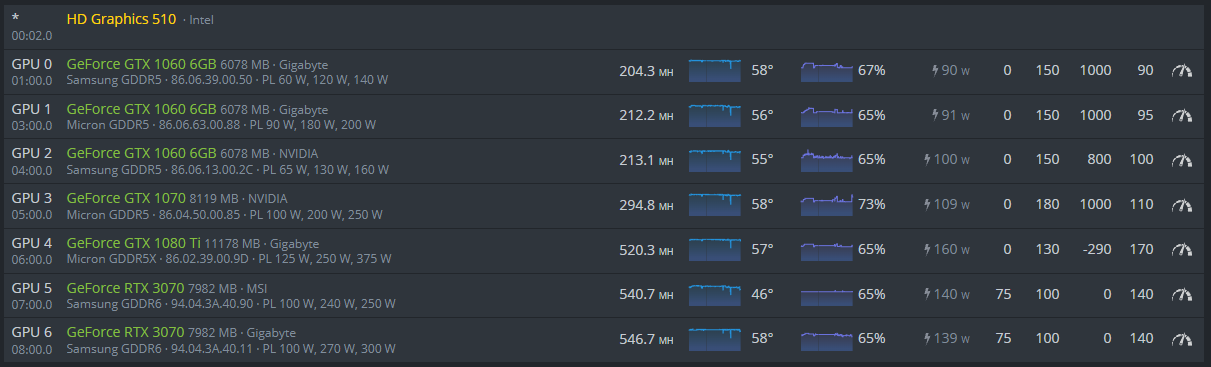
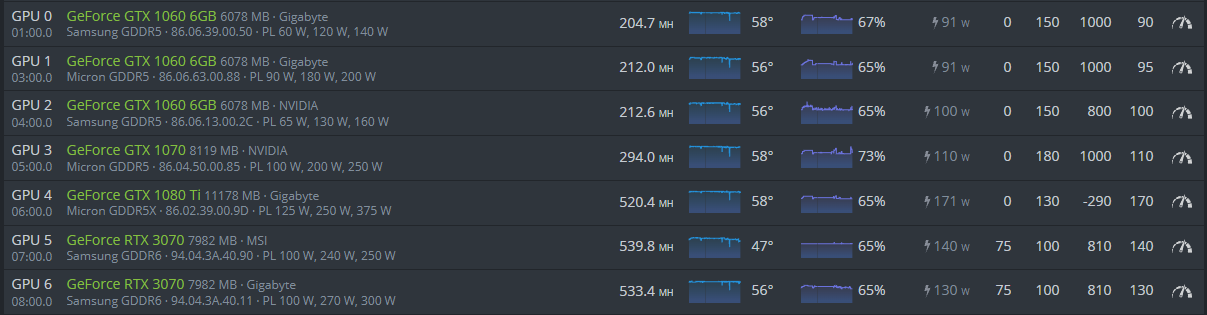
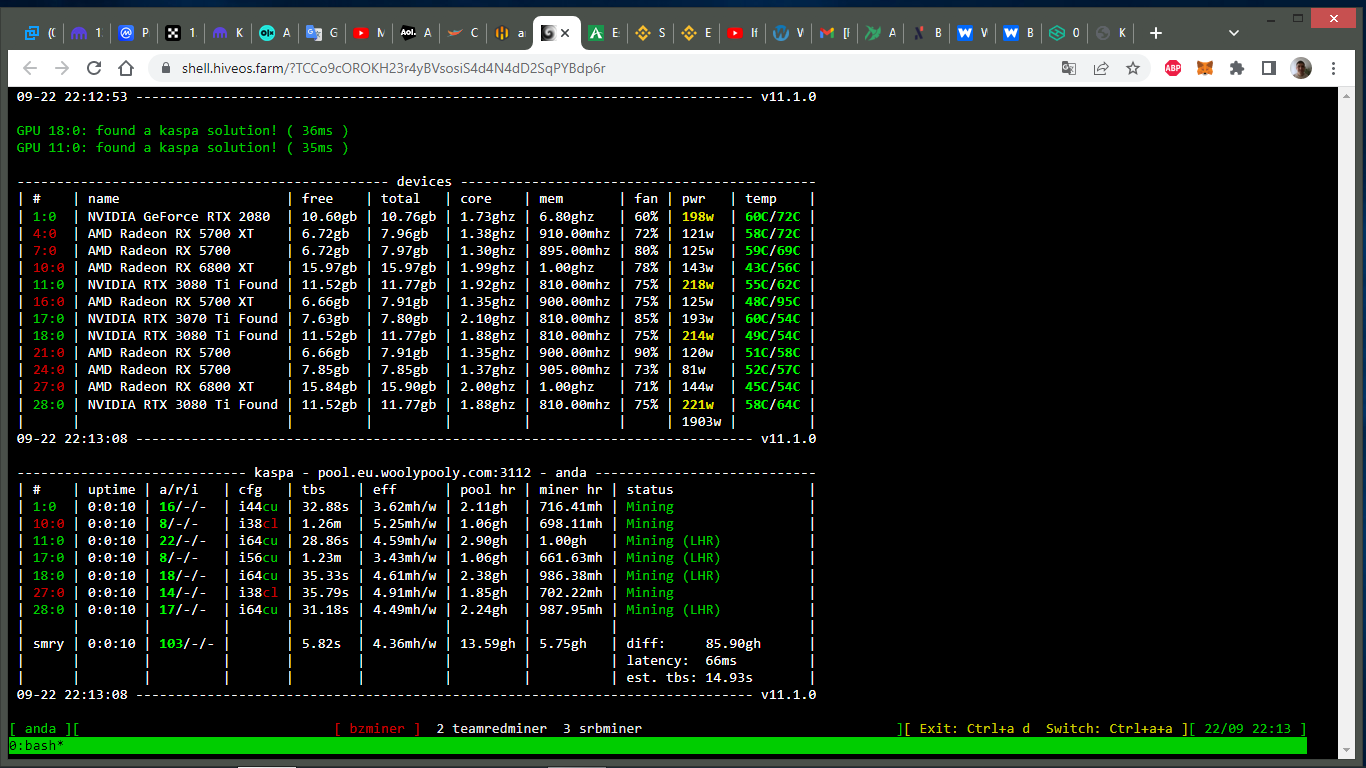
Thanks, I didn’t know the command in BZminer, very good but it seems that it only works either with the 30xx series or only the LHR cards. See the pictures (it doesn’t work on the 2080 ti card either).
Does anyone have AMD cards? A more appropriate setting for Kaspa?

Also tried all cimbinations with it, same, it crashes GPU